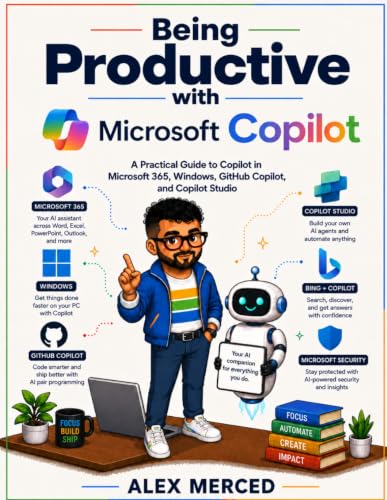
Being Productive with Microsoft Copilot
Published by Self-published · Tech
A practical guide to the Microsoft Copilot ecosystem covering Copilot Chat, M365 Copilot, GitHub Copilot Agent Mode, Copilot Studio, Copilot Cowork, and Copilot Plus PC features.
Who this book is for
Microsoft 365 power users, IT professionals and M365 administrators, developers in Microsoft-centric stacks, and business analysts who want to build Copilot automations and agents without a software engineering background.
Table of contents
- The Microsoft Copilot Ecosystem
- Copilot Chat: Your Starting Point
- Prompting Copilot Effectively
- Copilot in Word, PowerPoint, and OneNote
- Copilot in Excel and Data Analysis
- Copilot in Outlook, Teams, and Loop
- Copilot Cowork: Delegating Multi-Step Workflows
- Copilot Pages: The Collaborative AI Canvas
- Copilot Studio: Building Your Own Agents
- GitHub Copilot for Developers
- Copilot Plus PC and the Windows Copilot Runtime
- Building Your Microsoft Copilot Workflow
Excerpt
The first time Microsoft 365 Copilot summarized an entire week of email threads, identified the three things I needed to act on, and drafted the follow-up for each one, I stopped thinking of it as an assistant and started treating it as infrastructure. That shift from "useful novelty" to "load-bearing part of the workflow" is what this book is about. It does not happen automatically when you get access to Copilot. It requires understanding what each Copilot surface actually does, which data it can and cannot access, what prompt structure gets consistent results, and how to verify what you receive before you act on it.